
Apollon local system refill
Recharge your Apollon key

Before recharging, make sure you have the station address and key number. Recharge only valid for Apollon keys, not KeyCom keys.
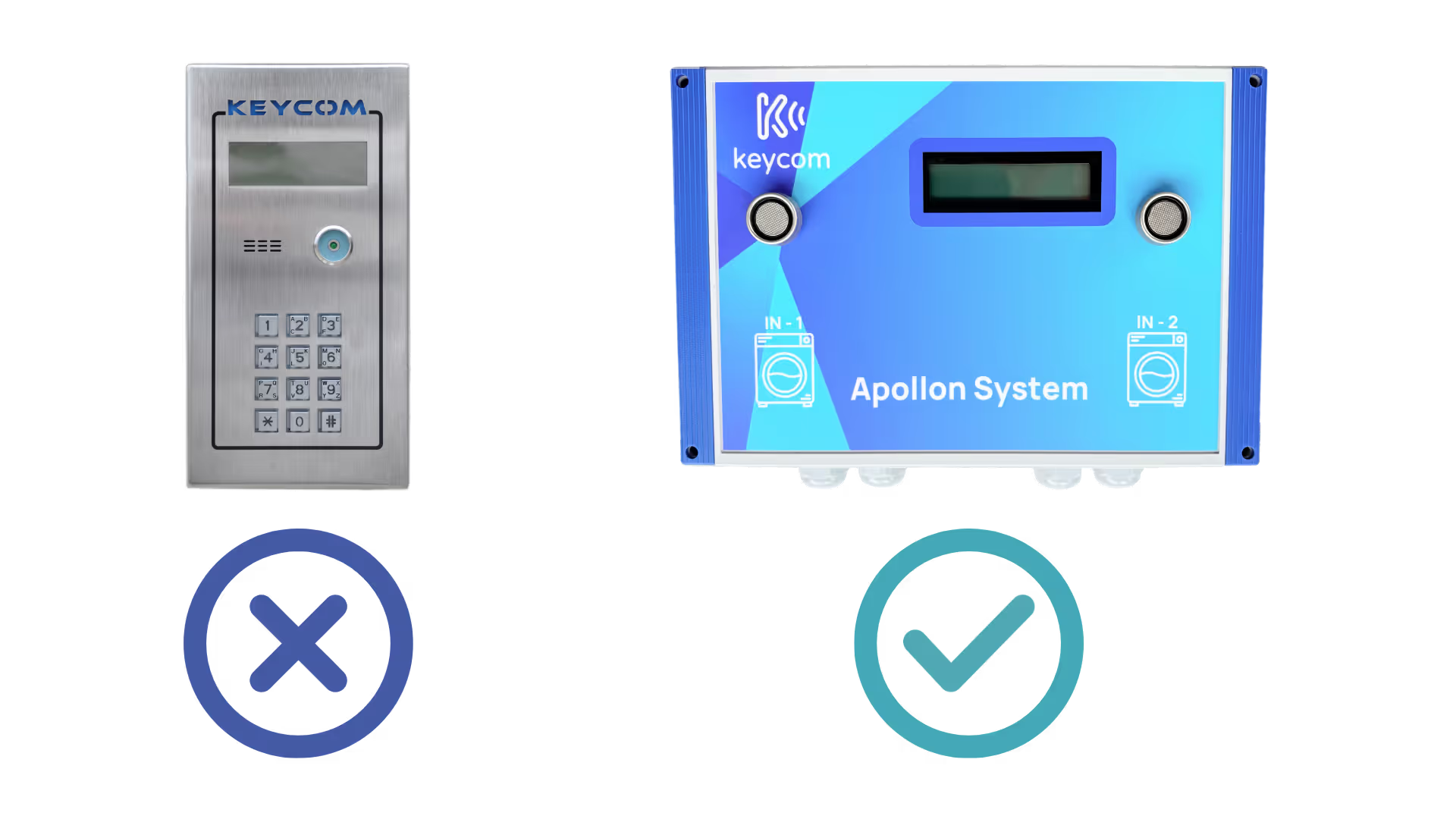
Once your payment has been made, a message is sent to the station authorizing the key to be recharged (after verification by our team). After receiving confirmation from us by email, swipe your key at the station and the balance will be credited to your key.
To find out your key number, place your key on the station reader and the key number will be displayed on the screen.
The station address is the postal address where the device is located. E.g. Rue de la Gare 32, 2500 Biel
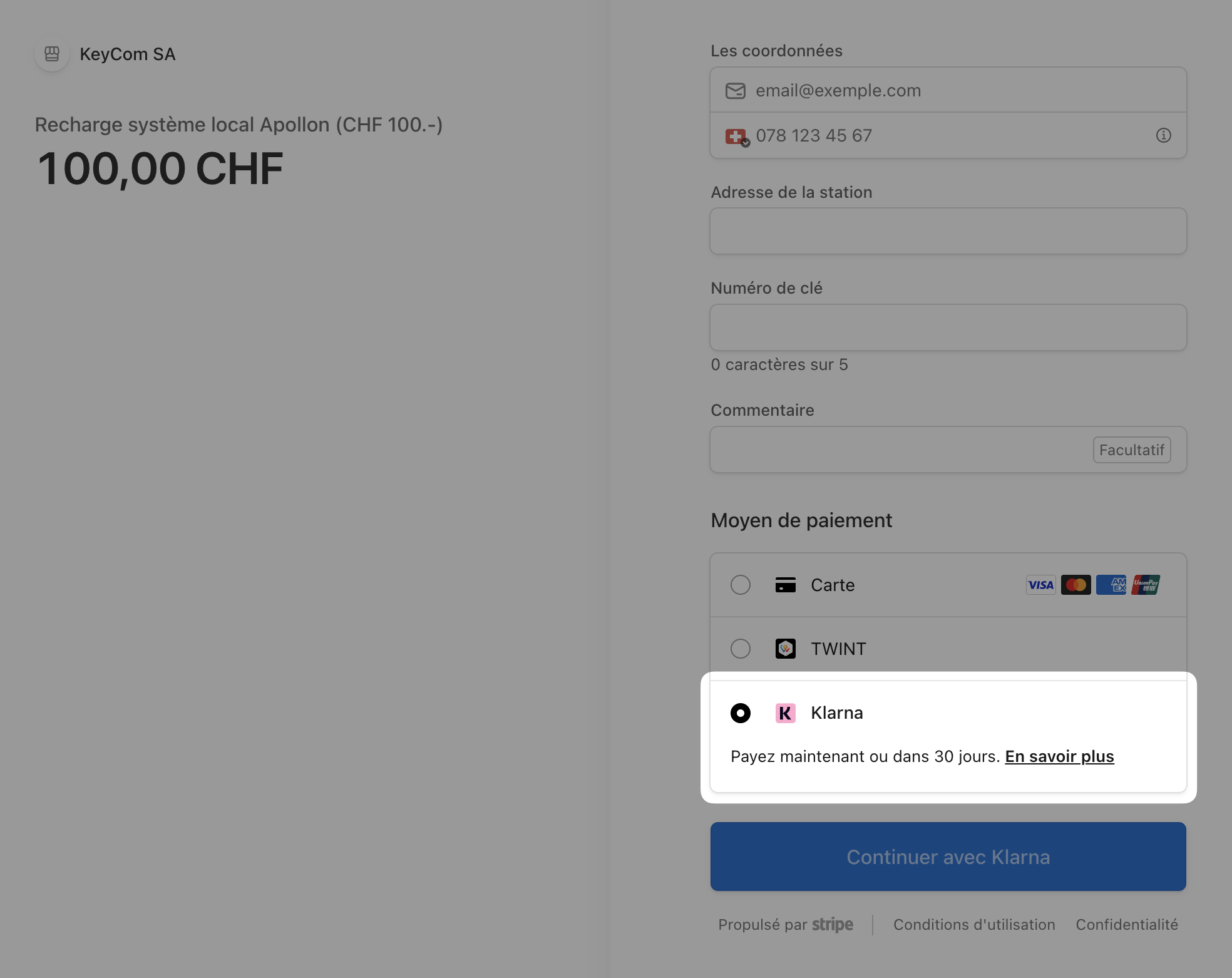
You can easily pay for your key recharge with Twint, debit or credit card, or via Klarna. For payments by QR-Invoice, you must use Klarna (see image).
After your payment, the recharge will be effective within 24 hours (business day). You will receive a confirmation email as soon as your key can be recharged at the station.
